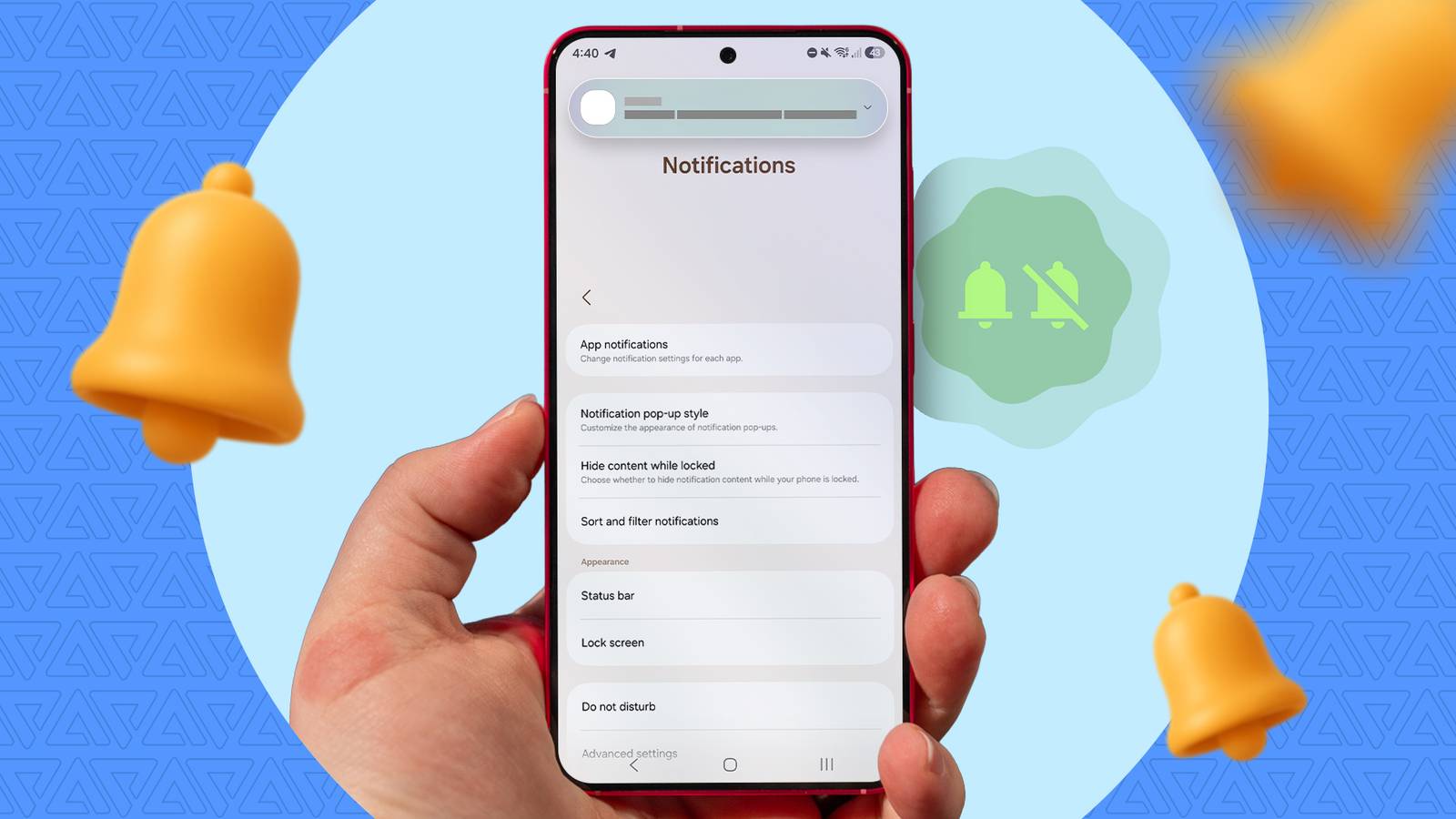
Samsung Galaxy users dealing with a flood of alerts may have a simple fix hiding in One UI. A report from Android Police highlights Notification Categories as an overlooked setting that can help clean up a crowded notifications panel, especially for people who get too many app pings throughout the day.
The feature matters because it gives users more control than a basic app-wide mute. Instead of turning all notifications on or off for a single app, Notification Categories can help split alerts into different types, making it easier to keep important updates while cutting down on less useful ones.
That extra layer of control is particularly useful on Samsung phones running One UI, including newer devices such as the Galaxy Z Flip 7 mentioned in the story. While One UI is often praised for feeling polished and close to stock Android in some ways, notification overload remains a common frustration, and this setting appears to be one of the best ways to manage it.
For Galaxy owners trying to reduce notification spam without missing essential alerts, enabling Notification Categories looks like a practical way to reclaim the Android notifications shade. The broader takeaway is simple: Samsung already includes a tool for better notification management, but many users may need to dig into settings before they find it.